Duel Field Editor
The Duel Field Editor replaces the supported playable surface region of a duel field.
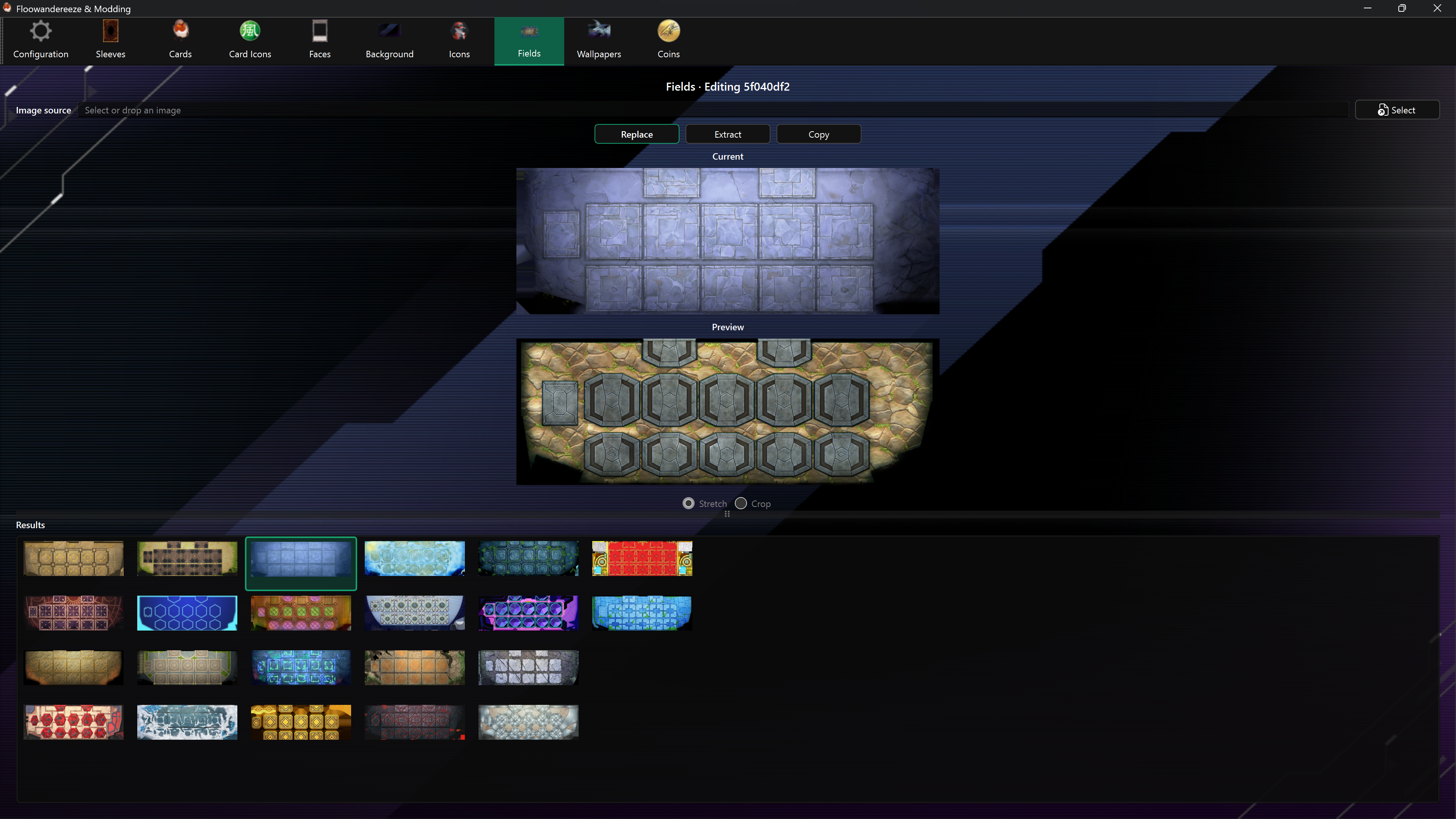
Replace a field
- Select a field from Results.
- Choose a PNG or JPEG with Select, or drag it onto the page.
- Check Preview and choose Replace.
- Test the result in a duel from both player perspectives.
Extract and copy
- Extract saves the supported field texture under
images\fields. - Copy saves the complete Unity bundle under
bundles\fields.
This editor does not currently provide per-field backup or Restore controls. Make an extracted texture and bundle copy before replacing a field.
Limitations
Master Duel fields are not standardized. Fields whose texture layout is not recognized are omitted from the list. Some listed fields may still replace the wrong region or appear flipped. Check the result in-game before keeping a replacement.