Background Editor
The Background Editor changes the shared 1920×1080 texture used on the home screen and in many menu screens. This is different from the custom application background configured on the Configuration page.
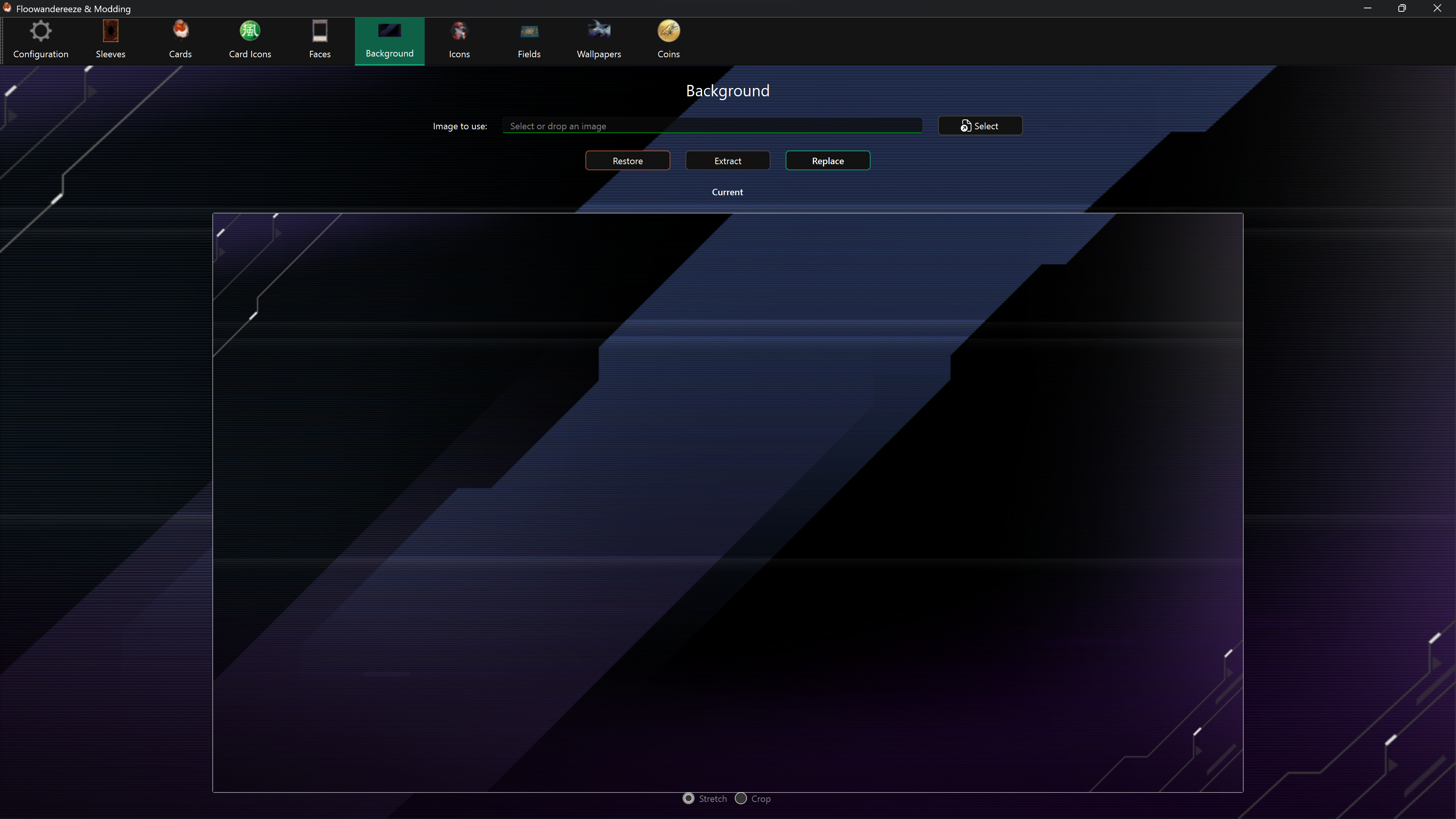
Replace the background
- Choose a PNG or JPEG with Select, or drag it onto the page.
- Choose Replace.
The source is resized to exactly 1920×1080 with high-quality resampling. Use a 16:9 source to avoid distortion. The Current preview refreshes after replacement.
Extract and restore
- Extract saves the current texture under
images. - Restore writes the saved automatic backup back to the shared Unity data file.
Enable backups before the first replacement. Background uses one special backup file rather than a type-specific bundle backup.
Important limitation
The background is stored in masterduel_Data\data.unity3d. Master Duel updates and other mods that replace this file can remove the background change, along with Card Face or Card Icon changes stored in the same file.