Card Icon Editor
The Card Icon Editor changes small card-related graphics stored inside Master Duel's shared card sprite atlas.
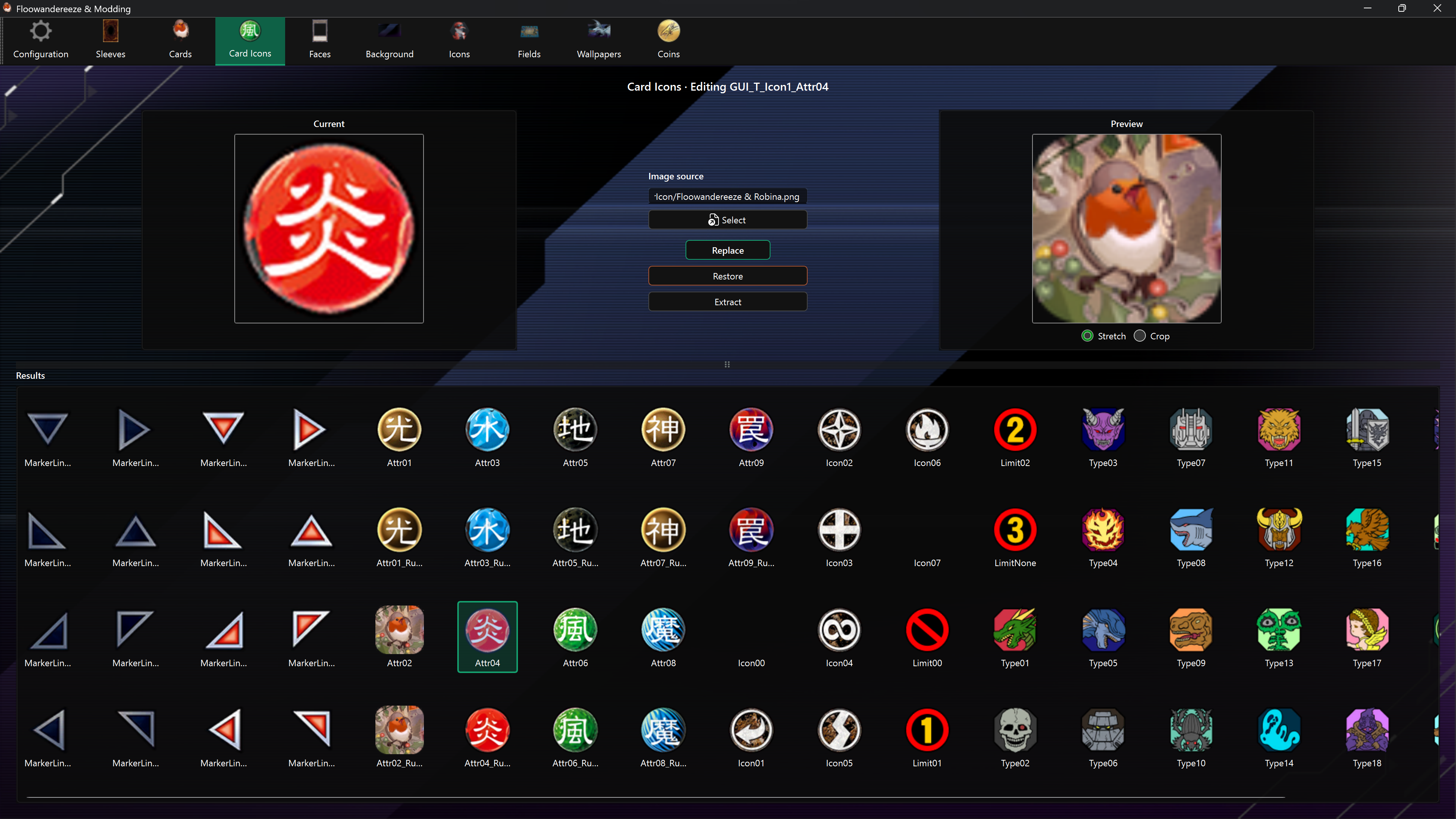
Find an asset
Results show asset names. Hover over a shortened label to see its full name. The selected asset's name also appears above the editor. Assets without a translated name retain their code.
Type at least three characters in the search bar, then press Enter, click Search, or choose a completion suggestion. Search matches part of the name without case sensitivity. Clear the search bar to show all results again.
After updating the app, use Check in Configuration to download the new names, then restart the app. Favorites and backups are preserved.
Replace an icon
- Select an icon from Results.
- Choose a PNG or JPEG with Select, or drag an image onto the page.
- Compare Current and Preview.
- Choose Replace.
The app resizes the source to the selected atlas region and replaces the complete region, including transparent pixels. PNG is strongly recommended when the icon needs transparency.
Extract and restore
- Extract crops the selected region from the atlas and saves it under
images\iconsusing the icon's name. - Restore patches the backed-up region into the atlas.
Automatic backup captures the selected region immediately before its first replacement, provided backups are enabled.
Important limitation
All card icons share masterduel_Data\data.unity3d. A game update or another mod that replaces this file may remove every card-icon change, plus other modifications stored in the same file. Refresh the app data after game updates before editing the atlas again.